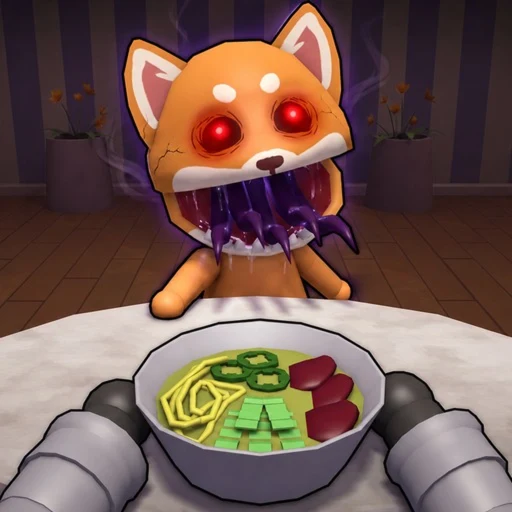
What is the goal of Animal Restaurant on Roblox?
Keep the restaurant running by cooking, serving, spotting anomalies, earning cash, upgrading, and surviving as many shifts as possible.
Start here
Learn the official cooking, service, anomaly, cash, and survival loop.
Updated
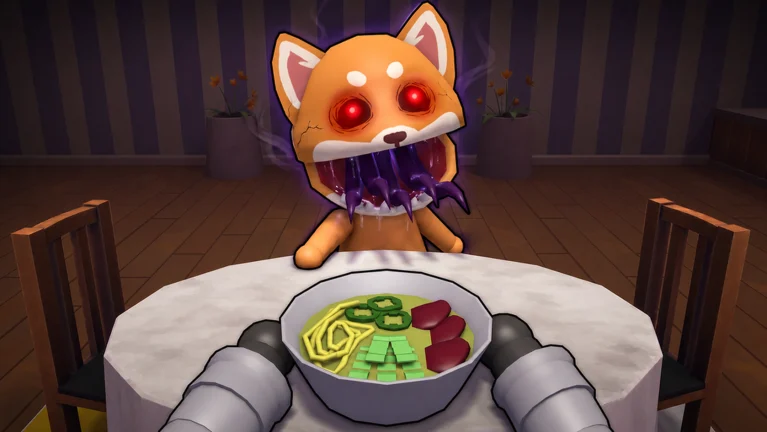
Animal Restaurant is a survival game disguised as a busy restaurant shift. The official loop is to cook orders before patience runs out, serve guests, watch customers for strange behavior, spot anomalies, and use the cash you earn to upgrade the restaurant.
Your run continues through the night for as long as the restaurant can stay operational. That means speed alone is not enough: the team must serve normal guests while noticing when one is no longer normal.
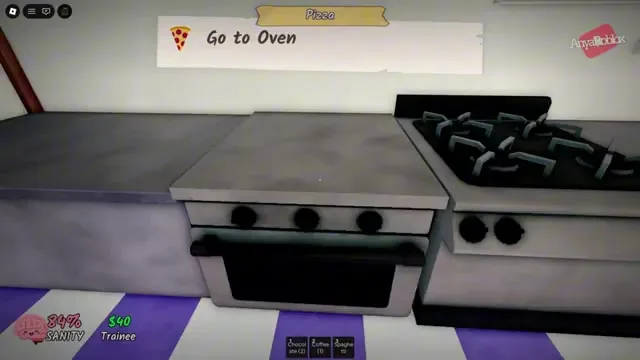
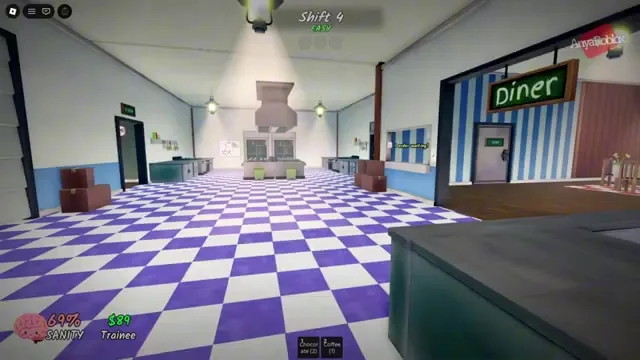
Use Shift 1 to learn where orders appear, where food is prepared, and how finished orders reach guests. Objective prompts guide you between the Preparation Counter, Stove, and Oven (observed in gameplay footage, mPkh_g1FXV0@04:00). Do not optimize for a perfect run yet. The First Day badge confirms Shift 1 as the first progression checkpoint.
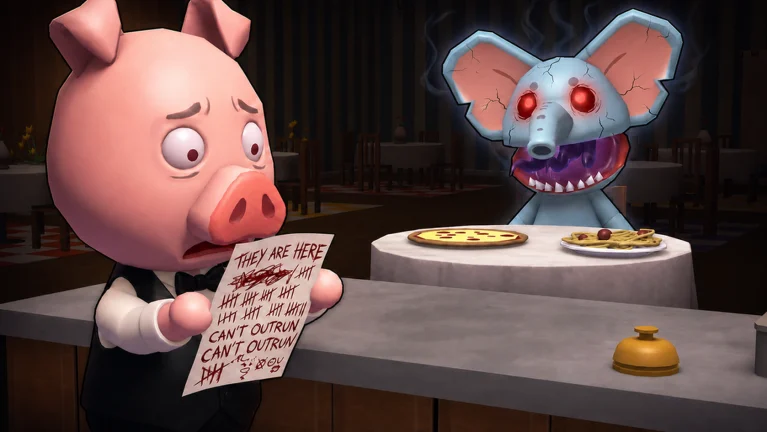
Do not wait for later shifts to build an anomaly habit. The official description makes guest observation part of the base loop, and the Not Tonight badge confirms that a customer can be saved from an anomaly attack.
In gameplay footage the HUD includes a SANITY meter with a staff rank label, and a bell prompt lets you reject suspicious customers before they become a problem (observed in gameplay footage, mPkh_g1FXV0@02:00 and @03:00).
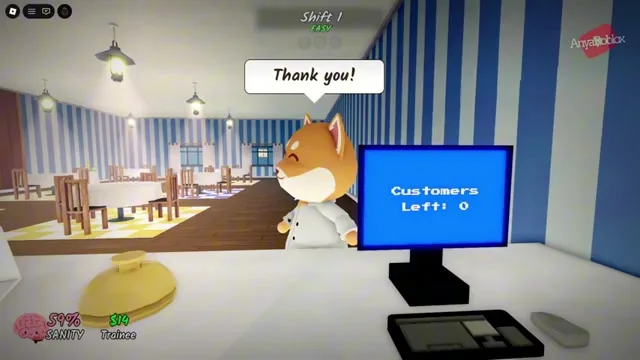
After Shift 1, aim for Shift 5 and then Shift 10. The official badge award rate drops from 29.4% at Shift 5 to 5.8% at Shift 10 in the August 13 API snapshot, so each five-shift target is a meaningful step.
FAQ
Keep the restaurant running by cooking, serving, spotting anomalies, earning cash, upgrading, and surviving as many shifts as possible.
Yes. Servers support up to 20 players, and official co-op badges specifically reward crews of at least three players.